How Does a Liquor Store POS System Work?
A liquor store POS system scans a product, pulls the price from a live inventory database, processes the payment, and immediately subtracts that unit from your stock count. That’s it. The magic isn’t in the sale — it’s in what happens to your inventory data the second that transaction closes. Every bottle that moves gets recorded. Every variance between what should be on the shelf and what actually is gets flagged. That gap — the one most stores are tracking on paper or not tracking at all — is where independent liquor stores lose an average of $18,000 per year in shrink. Not from robbery. From bad data.
The Core Components of a Liquor Store POS System
A modern liquor store POS setup has five working parts. Each one feeds the next.
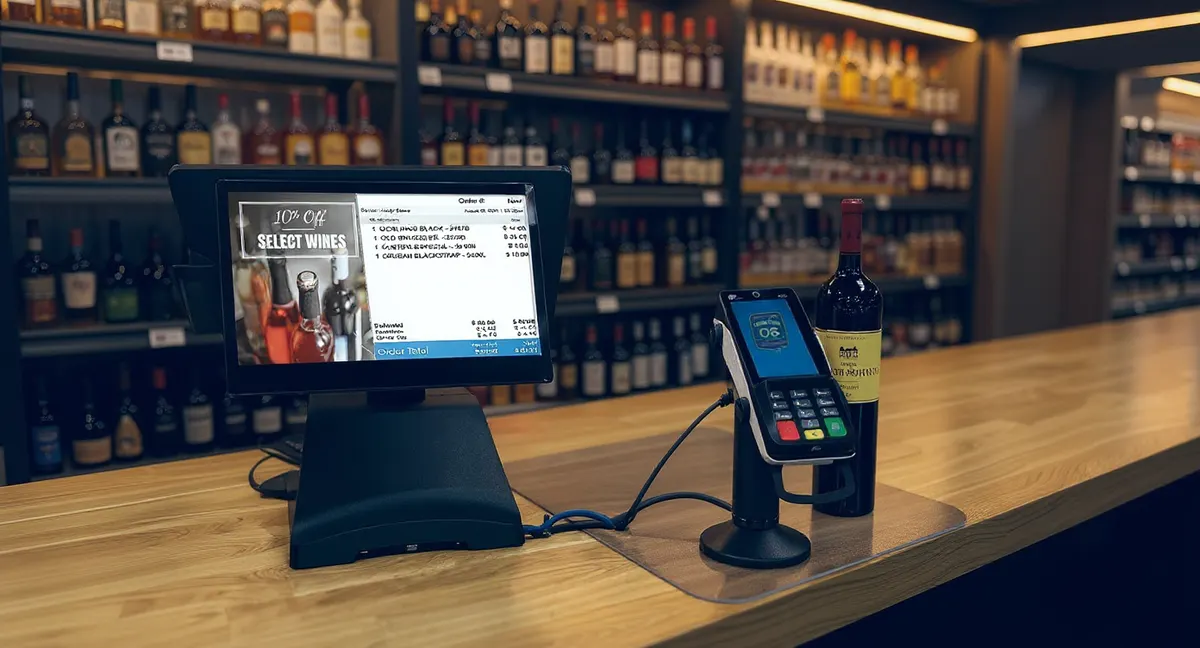
- Barcode Scanner: The cashier scans the bottle. The system reads the UPC and pulls up the product instantly — name, price, current stock level, and any active promotions.
- Product Database: This is your entire catalog. Every SKU you carry lives here with cost, retail price, vendor info, and reorder thresholds. A good liquor store POS comes pre-loaded with thousands of spirits, wine, and beer UPCs so you’re not building this from scratch.
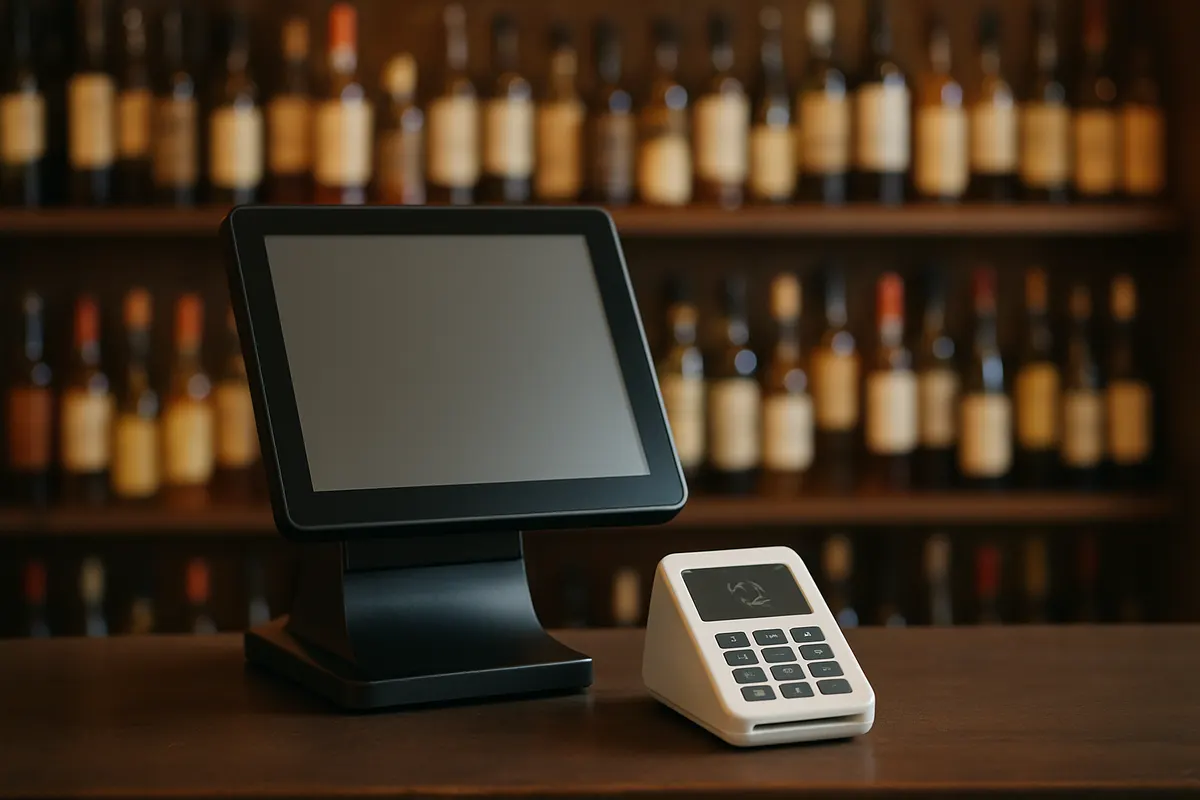
- Payment Terminal: Processes cash, credit, debit, and contactless payments. Integrated terminals mean the sale amount flows directly from the POS — no manual entry, no mismatched drawer counts at close.
- Inventory Engine: The moment a sale is confirmed, the system decrements your stock. Sell a bottle of Maker’s Mark 750ml — you now have one fewer in the system. This happens automatically, in real time, across every register and every location.
- Reporting Dashboard: This is where owners actually run their business. Sales by category, top-selling SKUs, slow movers, shrink reports, margin by vendor, daily close summaries. Everything in one place.
What Happens at the Register, Step by Step
Here’s a real transaction from start to finish:
- Customer places a bottle of Casamigos Blanco on the counter.
- Cashier scans the barcode. The POS pulls up the product in under a second: $49.99 retail, currently 14 units in stock.
- Customer pays with a card. The payment terminal processes it. No double-entry. No manual math.
- Receipt prints or gets texted. Transaction closes.
- Inventory updates: 13 units of Casamigos Blanco now in stock. If you set a reorder alert at 10 units, the system is already counting toward that threshold.
That entire process takes about 20 seconds. The inventory update happens in the background. The cashier doesn’t have to think about it.
Why This Matters More Than Most Owners Realize
Take a 3-location liquor store in Ohio. Each location moves roughly 400 transactions a day. That’s 1,200 transactions daily across the group. If they’re running a legacy system or paper logs, they have no real-time view of what’s on the shelf at any given location. They’re doing manual counts once a week — maybe. In that gap between counts, bottles walk. Cashiers make pricing errors. Vendors short-ship and nobody catches it until the next physical inventory.
At $18,000 in annual shrink per location, that Ohio operator is bleeding $54,000 a year across three stores. Not from one big theft event. From hundreds of small, invisible leaks that a real-time POS system would have caught and flagged.
LiquorStoreOS pays for itself in under 90 days for most stores. That’s not a marketing claim — that’s the math of stopping $1,500 in monthly shrink that most stores don’t even know they’re losing.
What a Liquor-Specific POS Does That Generic Systems Don’t
A general-purpose POS like Square or Clover can ring up a sale. That’s where it stops. A liquor store POS system is built around the actual complexity of running a bottle shop:
- Age verification prompts built into the checkout flow — not an afterthought.
- Bottle size variants tracked separately. Your 375ml, 750ml, and 1.75L of the same product are different SKUs with different margins. A liquor-specific system handles this natively.
- Case break tracking. When you break a case to sell singles, the system knows. Your cost accounting stays accurate.
- Vendor purchase orders generated directly from your reorder thresholds — no spreadsheet required.
- Mix-and-match six-pack pricing for beer sets, applied automatically at the register.
- Multi-location inventory visibility. If your Westside store is out of a high-demand bourbon, your manager can see that your Eastside store has 8 units and make a transfer — all inside the same system.
How Inventory Tracking Works Behind the Scenes
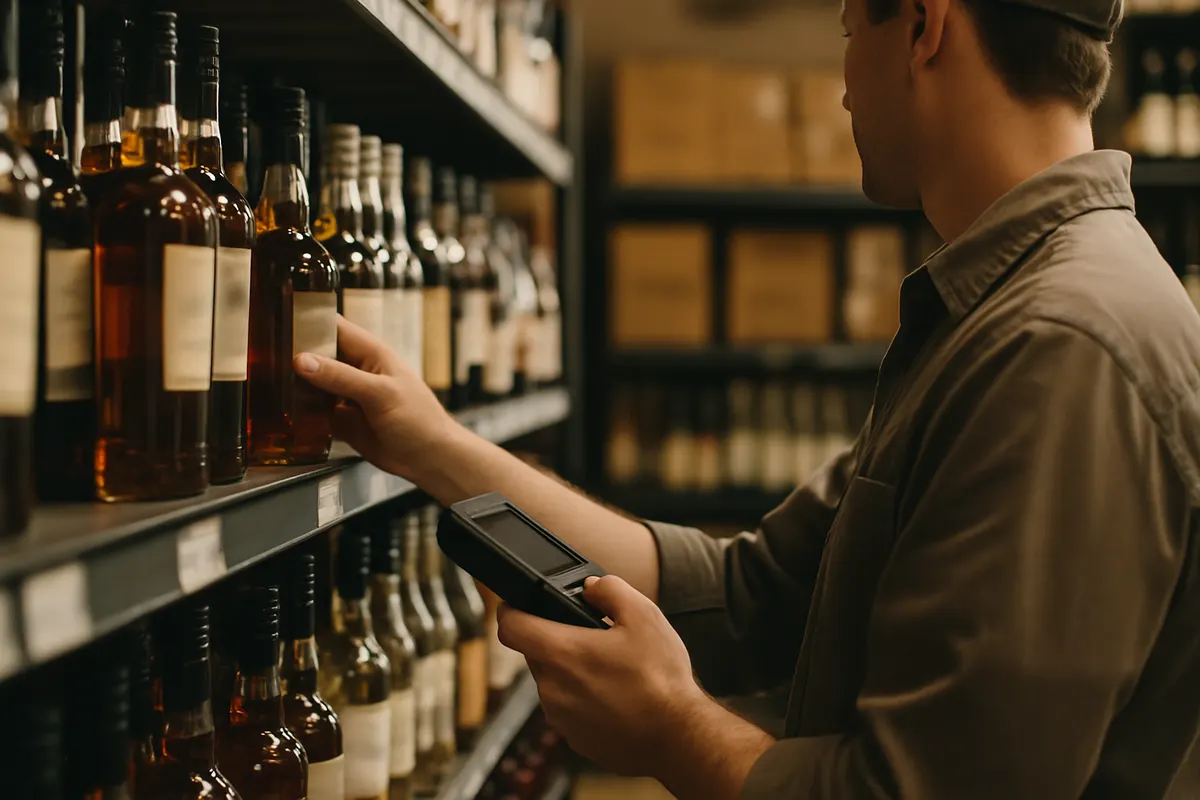
Every sale, every receiving shipment, every manual adjustment gets logged with a timestamp and a user ID. This creates an audit trail. When your physical count at month-end doesn’t match your system count, you don’t just see a variance — you can trace it. When did the discrepancy start? Which register? Which shift? That level of accountability changes employee behavior before shrink even happens.
LiquorStoreOS replaces the paper receiving logs, the clipboard counts, and the outdated legacy systems that give you a snapshot of inventory from last Tuesday. You get a live number, right now, on any device.
What Setup Actually Looks Like
Most independent liquor stores are fully operational on LiquorStoreOS within a few days. Your existing product catalog can be imported. Your historical sales data doesn’t disappear. Hardware — scanner, receipt printer, cash drawer, payment terminal — connects to the system and is ready to go. Training for a cashier takes about an hour. The reporting dashboard takes a little longer to get comfortable with, but that’s where the money is.
There’s no IT department required. No server room. The system runs in the cloud, which means your data is accessible from anywhere and automatically backed up.
The Bottom Line
A liquor store POS system works by connecting every sale directly to your inventory in real time — so you always know what you have, what’s moving, what’s not, and where your money is going. The stores that run on paper or outdated systems aren’t just working harder. They’re losing money they can’t see.
If you want to see exactly how LiquorStoreOS works for a store your size, book a free demo at liquorstoreos.com/free-demo. We’ll show you the system live and run the numbers on what it would mean for your store specifically.