Looking for an honest Liquor Store OS review before you commit? We’ve deployed Liquor Store OS in independent liquor stores and can tell you exactly what it does well, where it falls short, and who it’s built for. No fluff — just what you need to know.
What Is Liquor Store OS?
Liquor Store OS is a point-of-sale system built specifically for liquor retail. Unlike Square or Clover — which are general-purpose systems designed to work for every business type — Liquor Store OS was purpose-built for retail environments like liquor stores, convenience stores, and smoke shops.
It’s a hardware + software + processing bundle. You pay a one-time hardware cost per station and a flat $39/month software fee per station. Payment processing is bundled in. The system is designed so that the Cash Discount program — which eliminates credit card processing fees — more than covers the software cost for most stores.
What’s Included in the Box
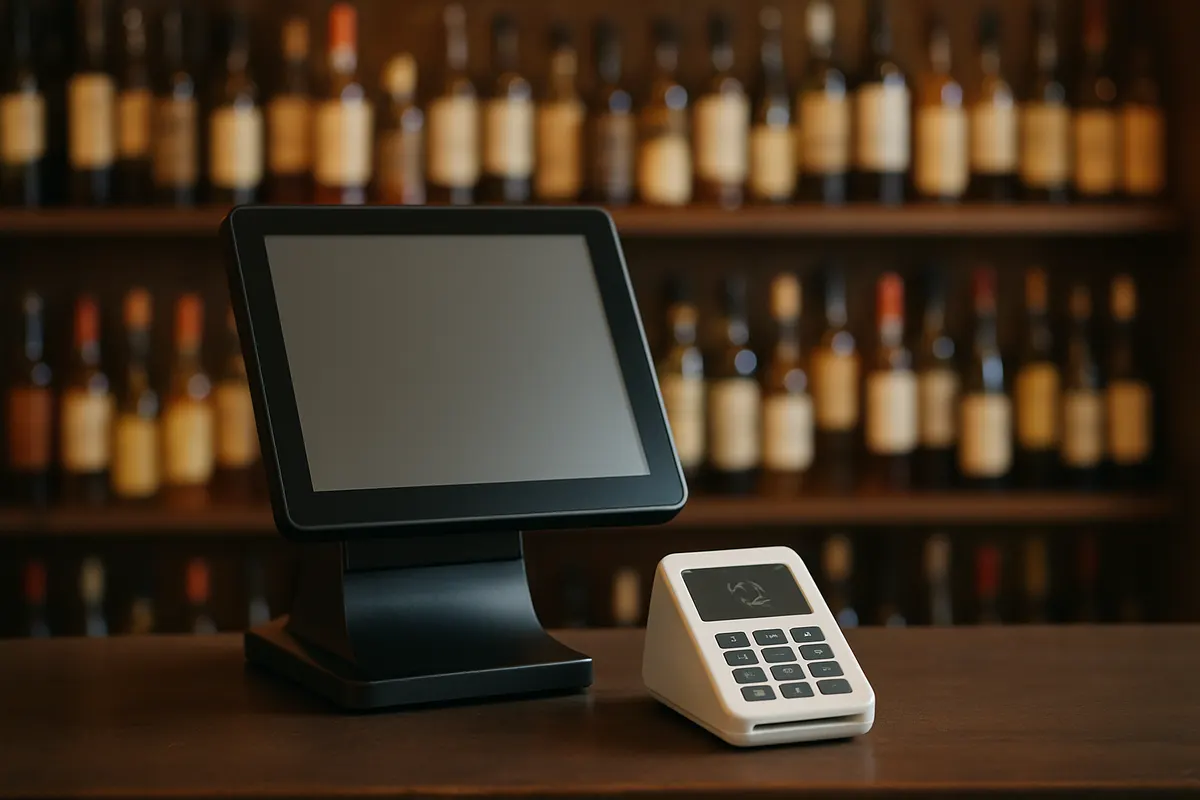
Each Liquor Store OS station ships with:
- 15″ touchscreen terminal — running Liquor Store OS software, pre-configured
- Barcode scanner — for scanning products and driver’s licenses
- Receipt printer — Epson thermal printer
- Cash drawer — standard 4-bill, 5-coin
- S300 card terminal — accepts chip, tap, swipe, and NFC payments
- 10″ rear-facing customer display — shows itemized pricing, dual cash/card totals, and custom ads
Everything comes pre-loaded and configured. You plug it in, connect to the internet, and it’s ready to go.
What Liquor Store OS Does Well
✅ Cash Discount / Dual Pricing (Best in Class)
This is Liquor Store OS’s strongest feature. The system handles dual pricing automatically — every transaction shows both cash and card pricing on the 10″ customer display in real time. Customers see exactly what they’re paying and what they’d save paying cash.
Better still: Liquor Store OS has built-in label printer software with pre-formatted dual-price shelf tags. You can print tags for your entire store showing both cash and card prices. No third-party software, no formatting headaches. This is something no other POS we’ve seen offers out of the box.
Most stores using Cash Discount save $20,000–$40,000 per year in processing fees — the $39/month software fee pays for itself many times over.
✅ Age Verification / ID Scanning
The barcode scanner reads driver’s licenses and instantly calculates age. It can be configured to require ID scanning before any age-restricted product is sold, creating an automatic compliance trail. If your state runs sting operations, this feature protects your license.
✅ Customer-Facing Display That Doubles as Advertising
The 10″ rear-facing screen isn’t just a price display — it’s a marketing tool. Between transactions it rotates through your custom ads: weekend specials, new arrivals, tasting events. It’s like having a salesperson at every register that never takes a break.
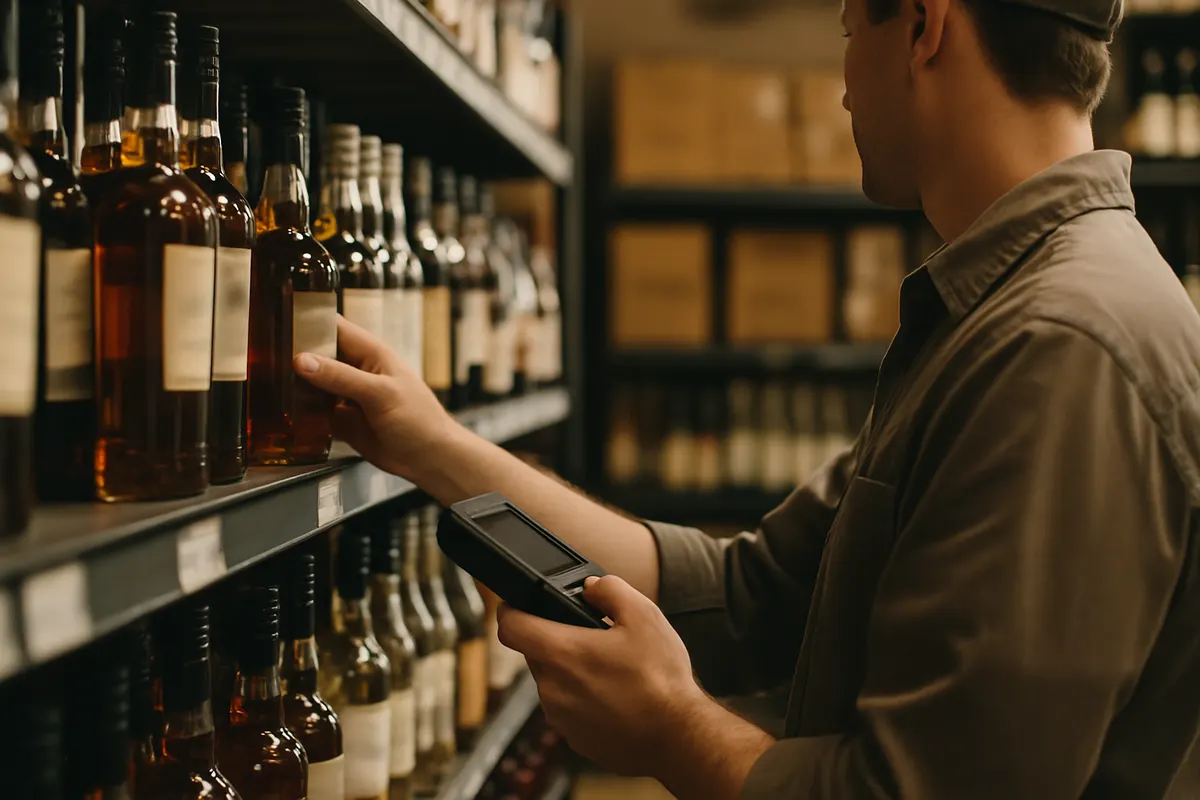
✅ Inventory Management for Liquor Retail
Liquor Store OS tracks shelf inventory vs. back-of-house separately. It handles case breaks correctly — a case of 24 beers breaks into singles, six-packs, or 12-packs, and inventory counts update accurately across all units. Reorder alerts notify you when stock is getting low.
✅ National Coupon Database
Liquor Store OS integrates with a national coupon database, so manufacturer coupons scan and apply automatically. Most independent POS systems don’t have this — it’s typically a feature reserved for chain retailers.
✅ Offline Processing
If your internet goes down, Liquor Store OS keeps processing transactions. Everything syncs when you’re back online. This matters during your busiest times — Friday night rushes don’t wait for your ISP.
✅ Loyalty and Marketing Tools
Built-in loyalty program tracks customer purchase history and rewards repeat visits. You can run targeted promotions based on what customers actually buy.
Where Liquor Store OS Falls Short
No system is perfect. Here’s what you should know:
⚠️ Multi-Location Limitations
Liquor Store OS is optimized for single-location stores. If you own multiple locations, the CloudPOS platform lets you view reports across all stores — but you can’t transfer inventory or manage data centrally from one system. Each location operates independently.
For the vast majority of independent liquor stores (one location), this isn’t an issue. If you’re running 5+ stores and need centralized inventory management, discuss CloudPOS capabilities with your rep before committing.
⚠️ Windows-Based Hardware
Liquor Store OS runs on Windows, not a cloud-based tablet system. It’s fast, stable, and works offline, but the hardware footprint is larger than an iPad-based POS. If you want a sleek tablet setup, this isn’t it. If you want a workhorse that doesn’t crash during a Friday rush, it is.
⚠️ Bundled Processing — Can’t Switch Processors
The hardware, software, and payment processing come as a bundle. You can’t use Liquor Store OS with a different processor. For most stores this isn’t a problem — the Cash Discount program is the primary reason they choose this system in the first place, and the processing is part of what makes it work.
Who Is Liquor Store OS Best For?
- ✅ Independent liquor stores (single location) — this is the sweet spot
- ✅ Convenience stores with liquor, beer, and tobacco
- ✅ Smoke shops needing age verification
- ✅ Any retailer wanting to eliminate processing fees via Cash Discount
- ❌ Multi-location chains needing centralized inventory
- ❌ Restaurants — Liquor Store OS has a restaurant mode, but Toast or Square for Restaurants are better fits
- ❌ Online/ecommerce retailers — this is an in-store system
Liquor Store OS vs. Competitors — Quick Comparison
| Liquor Store OS | Clover | Square | |
|---|---|---|---|
| Built for liquor retail | ✅ | ❌ | ❌ |
| Cash Discount built-in | ✅ | ⚠️ | ⚠️ |
| Dual-price shelf tags | ✅ | ❌ | ❌ |
| ID scanning | ✅ Built-in | ⚠️ Add-on | ❌ |
| Customer display + ads | ✅ 10″ | ⚠️ Basic | ❌ |
| Upfront cost | Contact for quote | $600-$1,800 | $0-$800 |
| Monthly software fee | $39/station | $14.95-$100+ | $0-$60+ |
The Bottom Line
Liquor Store OS isn’t the cheapest POS you can buy, and it’s not the prettiest. But for independent liquor stores, it’s the most purpose-built system on the market — especially if you want to eliminate processing fees with Cash Discount. The 10″ customer display, dual-price shelf tag printing, and integrated ID scanning are features you won’t find bundled together anywhere else.
At $39/month per station, the software cost is straightforward and competitive. For a store saving $20,000+ per year on processing fees, it’s not even a line item worth worrying about.
If you’re an independent liquor store doing $50K–$300K/month in sales, this system was built for you.
See It in Action
We’ll run a live demo with your actual product categories. 15 minutes, no contracts, no pressure. We’ll also calculate your exact Cash Discount savings.
Or call us: (866) 429-8660